You open your store dashboard and see plenty of carts with products in them, but very few orders. It feels confusing, because these people already picked something they liked.
The good news is that a full cart is not a lost sale yet. Most of the time, something small got in the way. This post walks through the common reasons and simple fixes, so more of those carts turn into real orders.
Understand Why Shoppers Stop
Adding a product to the cart is easy and costs nothing. Many people do it just to save an item, compare prices, or come back later. So not every abandoned cart is a lost customer.
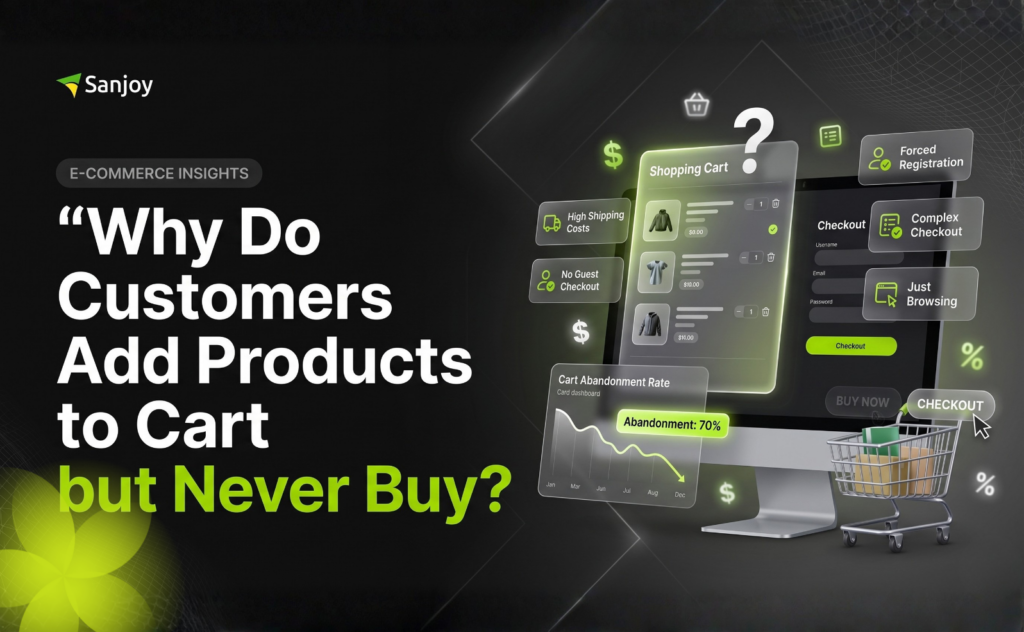
But when many shoppers reach checkout and then leave, there is usually a clear reason. Most reasons fall into three groups: surprise costs, a slow or confusing checkout, and a lack of trust. Once you know which one your store has, the fix becomes much easier to see.
Remove the Price Surprise
Nothing makes a shopper leave faster than a higher total at the last step. Shipping fees, taxes, and extra charges that appear only at checkout feel like a trick, even when you didn’t mean it that way.
Show delivery cost or shipping info early, on the product page or in the cart. If you offer free shipping above a certain amount, say it clearly. People are happy to pay when they know the full price from the start.
Make Checkout Simple
A long checkout makes people tired, and every extra field is one more reason to quit. Try these small changes:
– Let people check out as a guest, without forcing them to create an account.
– Ask only for the details you really need.
– Offer the payment options your customers already use and trust.
– Show a clear order summary with the full total at every step.
– Make sure checkout works smoothly on a phone, with easy typing and big buttons.
Test Your Store Like a Customer
Set aside a little time and shop on your own store. Open it on your phone, add a product, and go all the way to the payment page. Notice anywhere it feels slow, confusing, or annoying.
Try a different browser too. A page that loads slowly, a button that doesn’t respond, or a coupon box that sends people away can often be found in minutes. Fix one thing at a time, then test again.
“A shopper who adds to cart has already said yes to your product. Your job is to not give them a reason to say no at checkout.”
Finishing Touches and Extras
Once the basics are fixed, a few extras can bring back shoppers who still leave, and make new shoppers feel safer.
Follow Up With a Gentle Reminder
Some people leave simply because they got distracted. A short, friendly email about the items in their cart can bring them back. Keep it polite, not pushy, and make it easy to return to the cart in one click. This can be set up on most WooCommerce stores.
Build Trust With Small Details
Show a clear return policy, real contact details, and honest reviews from real customers. Add secure payment badges only if they are genuine. Shoppers want to feel that a real person is behind the store, and small details like these quietly remove doubts.
Not Sure Where Your Store Is Losing Customers?
Send me your store link and let’s look at it together. I’ll help you find what’s stopping people from buying.